Accounts
 Currency
 Items
Items


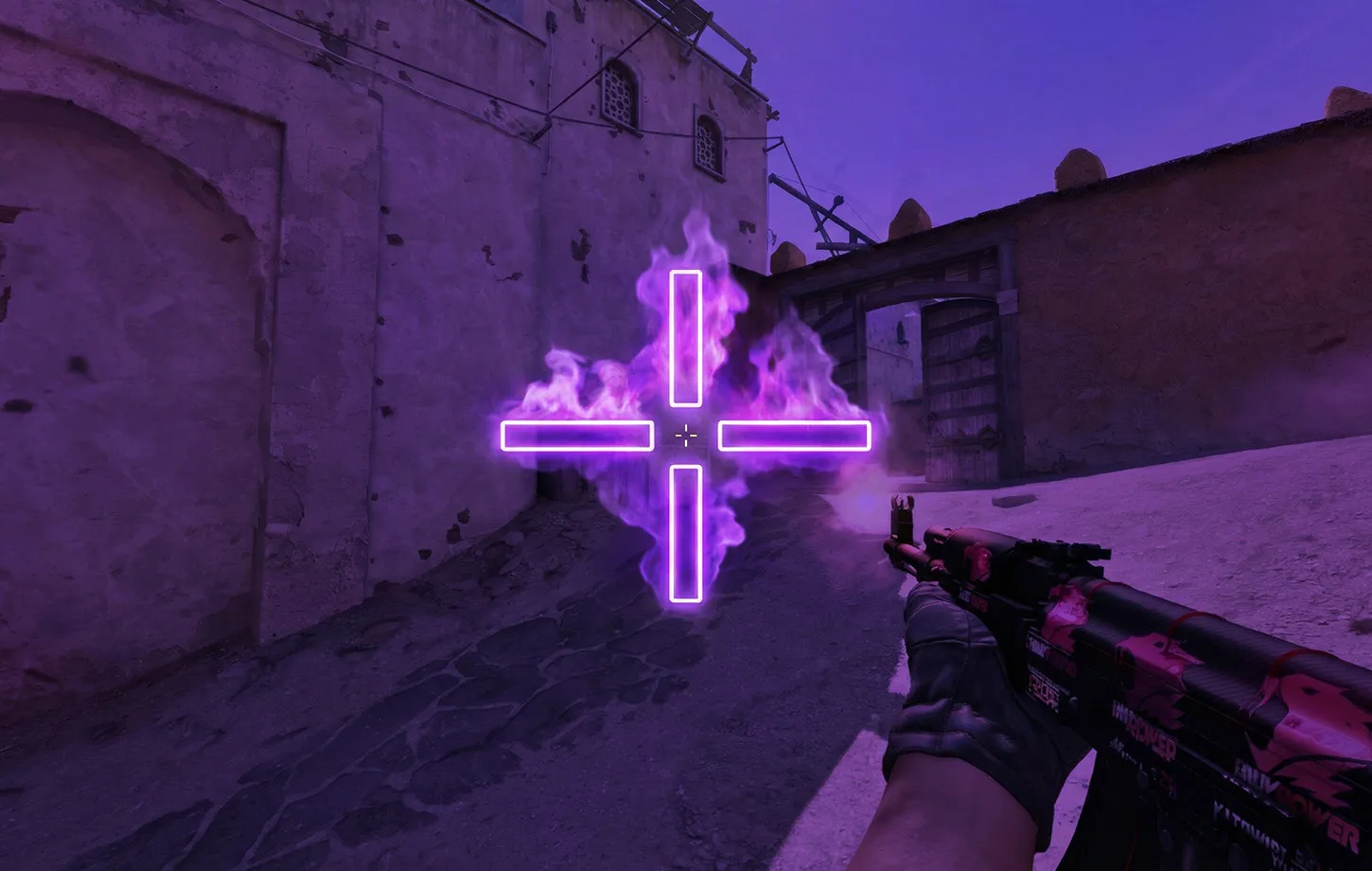
The Best CS2 Crosshairs: Pro Codes & How to Import Them
Youre not really aiming your crosshair for headshots in CS2? If you find yourself struggling to get easy headshots, your crosshair positioning likely plays a big role.
In a tactical shooter where the difference between winning a clutch and spectating the rest of the round comes down to milliseconds, visual clarity is everything. The default dynamic crosshair will pan the screen and set it to half the screen width. It is a right old mess and will always be distracting. Aiming at the right spot on the screen in a 1v1 is key to progressing through the ranks and to becoming as accurate and efficient as possible for a pro-level setup. Make it as clean and as visible as possible to suit your style and for the best in-game experience.
Whether you are trying to replicate the aggressive entry-fragging style of Donk, looking to build a hyper-focused dot crosshair from scratch, or just trying to understand how your game resolution impacts your aim, this guide covers everything you need to know about the best crosshair setups.
What are the best crosshair settings CS2?
Before blindly copying a pro player’s configuration, it is vital to understand why certain settings work better than others. The pro CS2 crosshairs rely on a delicate balance of style, size, visibility, and how your game renders graphics.
Style, size, and gap
Crosshair Settings: Why They Matter. Choosing the right crosshair settings isn’t really about form vs function; it’s more about function, function, and maybe a bit of function. Having the right crosshair settings can actually make your aim clearer and more consistent.
- Style (Static vs. Dynamic): Most casual and professional players use a “Classic Static” crosshair (Style 4). Dynamic crosshairs expand when you move or shoot to show your current weapon inaccuracy. While this sounds helpful for beginners learning when their recoil resets, it is incredibly distracting during an intense firefight. A static crosshair forces you to learn weapon mechanics through muscle memory rather than relying on visual cues.
- Size and Thickness: Your crosshair should be small enough to fit cleanly over an enemy’s head at long range (like looking down Mid on Mirage from Window), but thick enough that you do not lose track of it during a chaotic spray down. A thickness of 1 or 1.5 combined with a size of 1.5 to 2.5 is the sweet spot for native resolutions.
- Gap: The gap is the space in the exact center of the crosshair. A negative gap (like -2 or -3) pulls the lines closer together, creating a tighter point of aim. If the gap is too large, it becomes difficult to pinpoint exactly where your first bullet will land.
These are all basic to sniping and will help you to have a crosshair that is effective for use at range and can be quickly placed on target in a variety of situations.
Resolution and aspect ratio
One of the most overlooked aspects of crosshair customization is your monitor’s resolution. Playing on a 4:3 stretched aspect ratio versus a 16:9 native resolution physically alters the appearance of your crosshair. Because 4:3 stretched pulls the image horizontally to fill a widescreen monitor, your crosshair will appear wider and thicker than it actually is. Copy a pro’s aim settings from a 16:9 resolution, and then play on a 4:3 stretched setting. The crosshair will be a different size on your screen. Always adjust crosshair size and width to fit your aspect ratio.
Outlines
Using an outline (cl_crosshair_drawoutline 1) adds a thin black border around your crosshair lines. You should enable outlines if you use a thinner crosshair or play on visually bright maps like Dust 2 or Anubis, as the black border guarantees the crosshair will never blend into a sunlit wall. However, if you use a very thick crosshair, turning outlines off can prevent it from feeling too bulky and obscuring long-distance targets.
Sniper crosshair thickness
As an AWPer, your un-scoped crosshair is really only half of your ability to shoot people, and the other half is about knowing your lines in your sniper scope. Which really does take a fair amount of practice. Here are a few tips to help you with that. By using the console command cl_crosshair_sniper_width, you can increase the thickness of the AWP and Scout scope lines. Increasing this value from the default 1 to 1.5 or 2 makes flick-shots significantly easier because your eye can track the thicker black lines faster during rapid mouse movements.

Choosing the best crosshair color CS2
Color theory matters heavily in Counter-Strike 2. The upgraded Source 2 lighting engine means maps are brighter and more vibrant than they were in CS:GO. The best crosshair color is one that heavily contrasts with the game’s map environments. You do not want a sandy-yellow crosshair when you are holding an angle on Anubis, and you definitely do not want a dark green crosshair when pushing through the lush foliage on Ancient.
- Cyan (Light Blue): This is the most popular color from my data. It really stands out against brown, tan, and grey, which are the most common surfaces in CS2.
- Neon Green: A classic Counter-Strike legacy color. It is highly visible in almost every indoor and outdoor lighting condition, provided you aren’t staring directly at a bush.
- Pink/Magenta: This color isn’t present in CS2’s natural map color palettes. Using a bright magenta will ensure your crosshair will always stand out from a background wall, part of the skybox, or an enemy model.
There isn’t really a colour that is better than another. You will have to try a few different colours on an apple over a few games to figure out what works best for you.
Best CS2 pro crosshair codes in 2026
You don’t have to try out every single build. Top pros on the main stage are already using tried and tested setups. Thanks to CS2’s easily shareable codes, you can instantly equip the exact configurations used by Major champions.
Here is a breakdown of the most heavily requested pro CS2 crosshairs right now.
| Player | Team | Role | Crosshair Code |
| Donk | Team Spirit | Rifler / Entry | CSGO-AkTYm-syAcf-UKom7-tGKdM-mOJvM |
| s1mple | BC.Game Esports | AWPer / Hybrid | CSGO-OCskf-qjunY-FE6T6-rsTR9-7SVvD |
| ZywOo | Team Vitality | AWPer | CSGO-Qzpx5-BRLw8-xFPCS-hTns4-GHDhP |
| m0NESY | Team Falcons | AWPer | CSGO-hzrMn-jXu8b-R7VH4-hQ9aa-OnMHA |
Analyzing the pro setups
Professional gamers usually use crosshairs optimized for competitive shooting. Copying them out won’t magically fix your aim, but they’re a good base to work with.
- The donk crosshair CS2: Donk is famous for his relentlessly aggressive rifling and unbelievable spray control. His crosshair is a highly compact, tight static crosshair that favors precision during wide swings. If you play an aggressive entry-fragger role, this is the setup for you.
- The s1mple crosshair CS2: Considered by many to be the greatest player of all time, s1mple uses a crosshair that is incredibly straightforward. It is usually a tight cyan or green cross-section with a tight gap. It is perfect for players who hybridize between the AWP and rifles.
- The Zywoo crosshair CS2: ZywOo relies on a slightly thicker, blocky green crosshair. Because he spends so much time scoped in, his un-scoped crosshair needs to be immediately recognizable the second he switches to his pistol.
- The m0nesy crosshair CS2: G2’s lightning-fast sniper uses a setup very similar to s1mple’s but slightly chunkier. It gives you a fantastic center-screen presence without obscuring the enemy’s character model at long distances.
You can consider these crosshair presets a starting point, but it is up to you to adjust them to your preferences and ensure the crosshair is most visible in the game world.
The rise of the CS2 dot crosshair
If traditional intersecting lines feel too clunky or distracting, you might want to join the growing trend of dot users. A crosshair completely removes the horizontal and vertical lines, leaving only a single, pixel-perfect square in the center of your screen.
Why is this so effective for casual players? It eliminates all visual distractions and forces you to focus entirely on clicking heads. The best dot crosshair CS2 is thick enough to see during a fast mouse flick, but small enough that it doesn’t completely cover the enemy’s head at long range.
How to make dot crosshair CS2
You can easily configure this in your game settings or via the developer console. If you want to know how to make dot crosshairmanually using the console, you need to turn the crosshair size to zero and enable the center dot.
Open your developer console (~) and enter these commands one by one:
- cl_crosshairstyle 4
- cl_crosshairdot 1
- cl_crosshairsize 0
- cl_crosshairthickness 1.5
- cl_crosshair_drawoutline 1
Moving this setting to the left will instantly change it into a clean dot-style crosshair.
Finding your comfort zone
Sometimes, players just get stuck in a rut. Finding the right settings is all about creating a comfortable, consistent environment. Maybe you are tweaking your config for the hundredth time, maybe you are taking a break from other shooters and migrating your CS2 accounts to play with a new group of friends, or perhaps you are just starting completely fresh. Whatever your situation is, your crosshair is the one constant anchor on your screen. It pays to get it right.
If you don’t want to copy a pro or use a plain dot, building your own custom reticle is the next best step.
How to use a CS2 crosshair generator map
The easiest way to build a custom reticle is by using a generator. While there are many browser-based generators out there, the absolute best method is to use Community Workshop maps.
Maps like “Crashz’ crosshair generator” allow you to literally shoot at a wall of pro player crosshairs to instantly equip them. You can also use on-wall buttons to adjust your size, gap, and thickness in real-time. The massive benefit of using a workshop map is that you can test the crosshair on bots running around different map backgrounds before you take it into a live Premier match.
CS2 crosshair commands you should know
If you prefer to make micro-adjustments on the fly during a match, you should get familiar with basic crosshair commands. By enabling the developer console in your game settings, you can type these commands to tweak your visual settings instantly without digging through menus:
- cl_crosshairsize [number] – Adjusts the length of the crosshair lines.
- cl_crosshairgap [number] – Changes the distance between the lines (use negative numbers to pull them tighter).
- cl_crosshairthickness [number] – Makes the lines wider or thinner.
- cl_crosshairalpha [0-255] – Controls the transparency of the crosshair (255 is completely solid).
When you learn the movements and can memorize them, you will be able to move your crosshair anywhere on the map. In this guide, we will show how you can always move your aim smoothly, precisely, syncronized and legible in any situation.
How to import crosshair CS2?
If you grabbed one of the CS2 crosshair codes listed above from players like Donk or s1mple, importing it into your game takes less than ten seconds.
Here is exactly how to import crosshair CS2:
- Open Counter-Strike 2 and click on the settings gear icon in the top left corner.
- Navigate to the game tab, and then click on the crosshair sub-menu.
- Look at the preview image of your current crosshair and click “share or import” in the bottom right corner.
- Paste your copied code into the pop-up text box.
- Click Import to instantly update your crosshair.
We’ll apply these crosshair settings, and you’ll see what they look like. You can also adjust them as you like.
Frequently asked questions
What is the best crosshair color in CS2?
The best colors are Cyan, Neon Green, and Magenta. These colors offer the highest contrast against CS2’s updated lighting engine and map textures, ensuring your crosshair never blends into the background environment during a firefight.
How do I get a dot crosshair in CS2?
Open your developer console and type cl_crosshairsize 0 to remove the outer lines, followed by cl_crosshairdot 1 to enable the center dot. You can then adjust cl_crosshairthickness to make the dot larger or smaller.
What crosshair does s1mple use?
BC.Game Esports legendary player s1mple uses a tight, highly visible static crosshair. You can equip his exact settings by importing this CS2 crosshair code: CSGO-OCskf-qjunY-FE6T6-rsTR9-7SVvD.
Casual players will usually have the tendency to adjust their crosshair position for every single bad game they have. Building up muscle memory in an FPS game can take months and months of playing and trying to consistently hit the same spots. Once you find the best CS2 crosshair that feels comfortable—whether that is a pro code, a tiny dot, or a neon pink custom creation—leave it alone. Queue up for your next match, trust your settings, and focus on your crosshair placement instead.